Masculine or Feminine Looks
Explore a masculine or feminine look for the person in your photo. Your selected appearance guides the edit, giving you another version of the portrait to use as an avatar or a creative reference.
About the photo editor
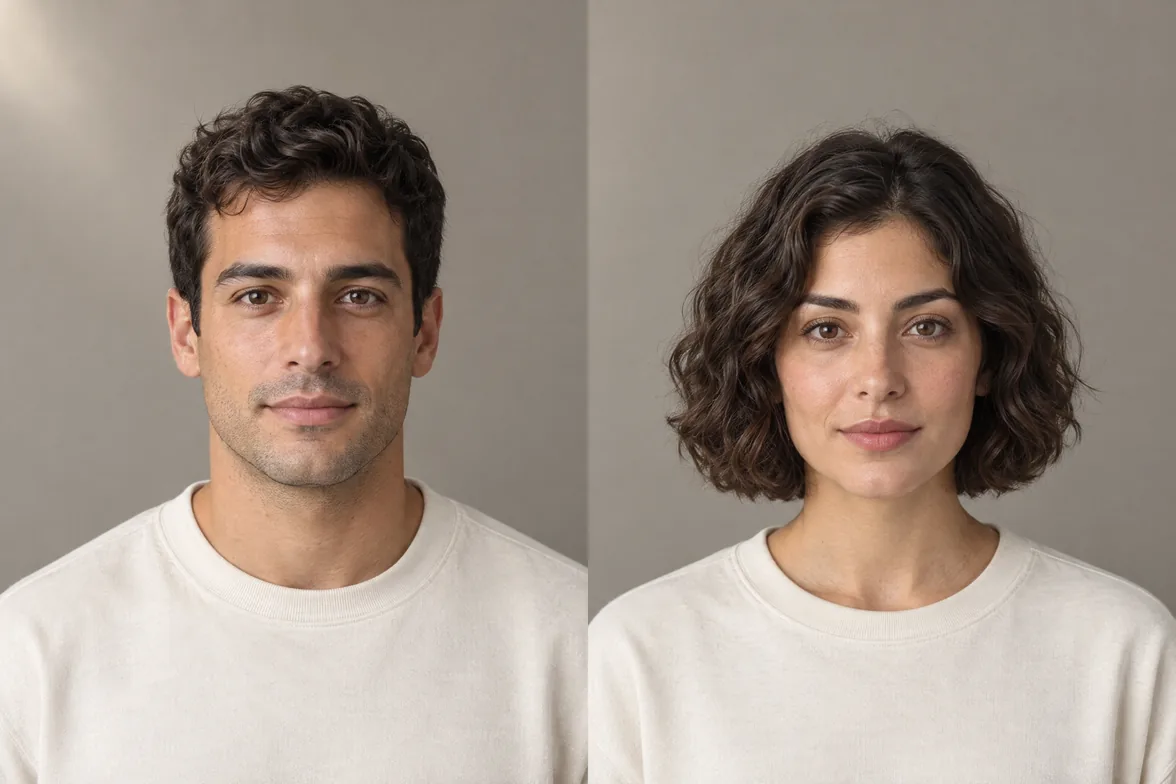
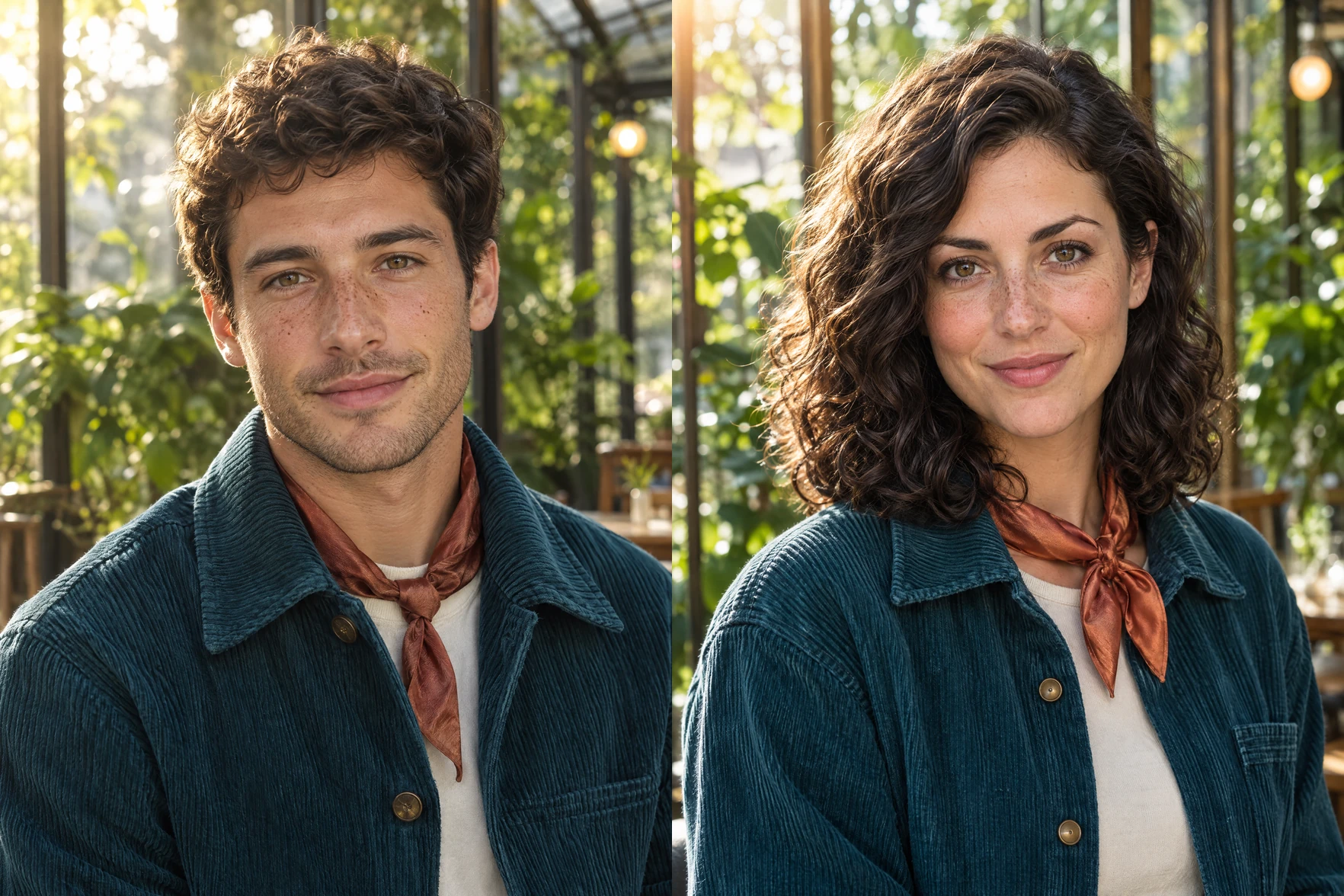
AI Gender Swap is a photo editor for exploring masculine or feminine appearances in a portrait.
The result is a creative interpretation of the person pictured. Changes can focus on their overall appearance or include a particular hairstyle or facial hair, while selected details from the portrait can be requested to remain. This gives the new look a connection to the original photo instead of treating every part of the scene as something to reinvent.
Shape the portrait
Go beyond the overall appearance with hair and facial-hair requests. Specify details to keep and choose an output ratio.
Explore a masculine or feminine look for the person in your photo. Your selected appearance guides the edit, giving you another version of the portrait to use as an avatar or a creative reference.
Use optional text to request a hairstyle or facial hair, such as shoulder-length waves or a trimmed beard. These requests let you explore a particular style within the new portrait.
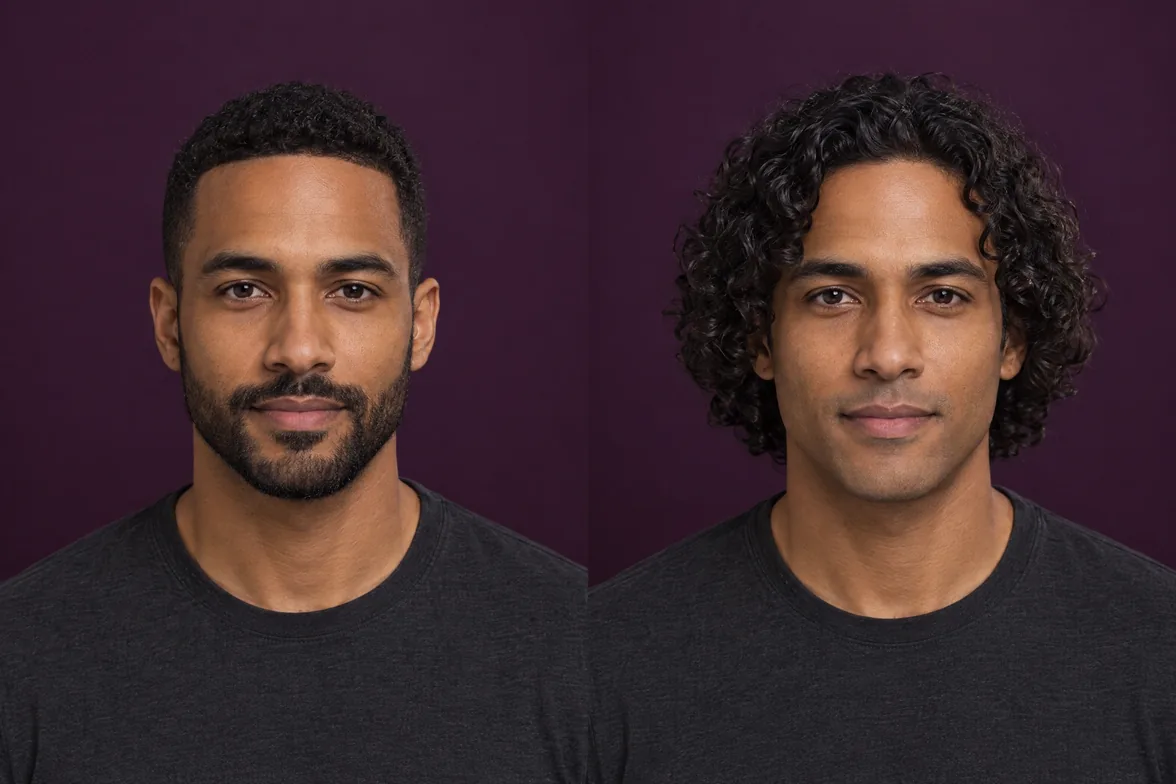
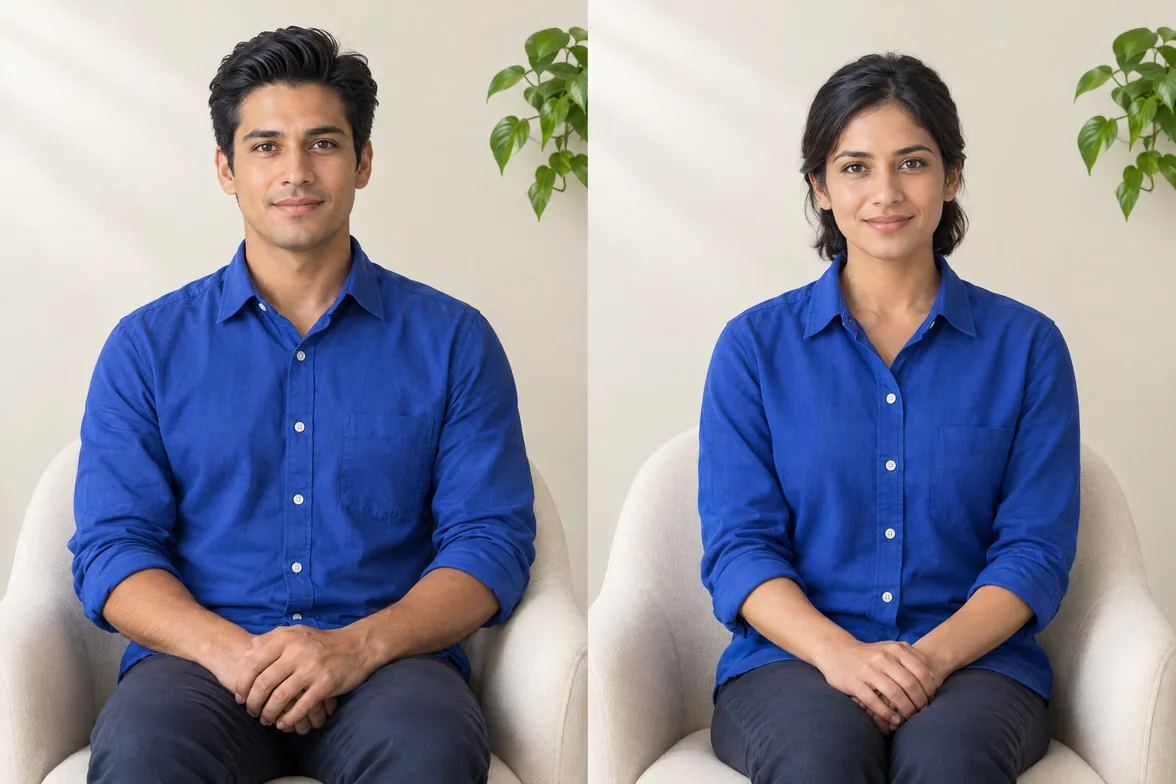
Request the same clothing, pose or background while exploring a new appearance. These instructions guide which parts of the reference photo should remain as the portrait changes. For example, keeping a blue shirt and a seated pose can connect the alternative look to the original setting. This lets you describe the change you want without asking for a completely different scene.
Choose 1:1 for a square avatar, 9:16 for a vertical post, or 16:9 for a wide image, so the portrait’s proportions match its intended use.
From photo to portrait
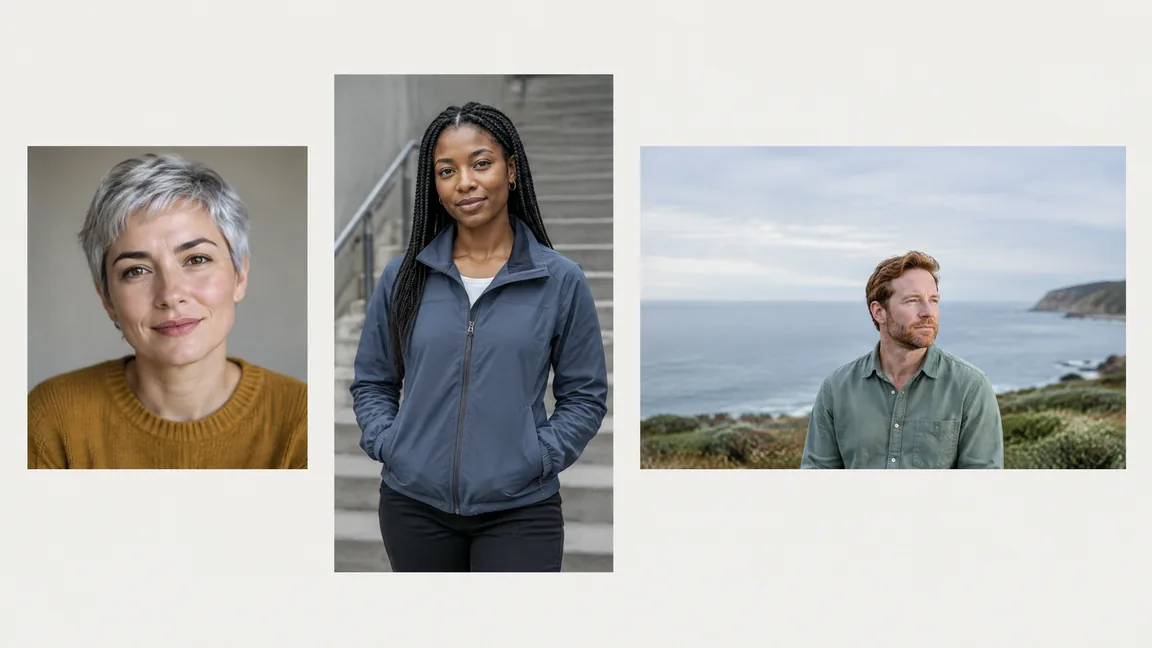
Upload a portrait, choose your look and generate an image, then download the result.
Upload a clear photo of the person you want to transform. Choose an image where the face is visible and well lit, so the portrait provides a useful starting point. If you have several photos to choose from, use one that already shows the pose and setting you want in the result. Avoid an image where sunglasses, deep shadows or heavy blur obscure the features you want to work with.
Select a masculine or feminine appearance. Add optional text for hair, facial hair or details you want to keep, choose an output ratio, and generate the portrait. Separate the change from the elements you want retained: “short wavy hair, a neatly trimmed beard; keep the jacket and plain background.”
Once generation is complete, download the finished image and save it to your device for your chosen creative use. Look at the face, hair and any details you asked to keep before deciding whether the portrait fits your idea. Saving the result gives you an image to work with outside the editor, whether your next step is choosing an avatar or collecting references for a character.
For more help with styling requests, Read the AI Gender Swap guide.
Ideas for your portrait
Create portraits for profile pictures, creative social posts, or original character ideas.
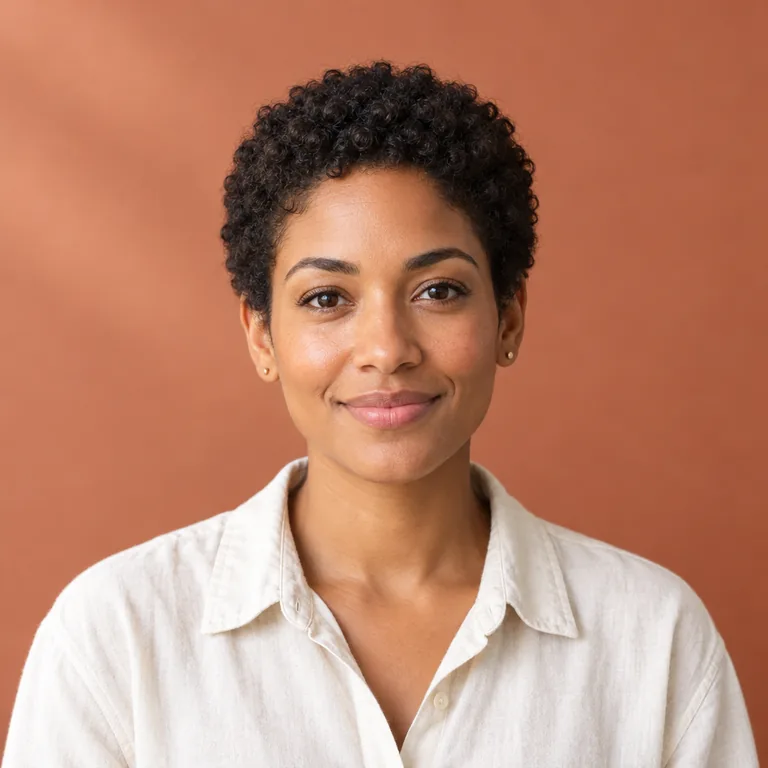
Try another appearance for a profile picture that feels different from your current portrait. A square image gives you a starting point for an avatar built around the new look. You might explore a shorter hairstyle, add facial hair or use a softer hairstyle while asking to keep the outfit you already like. The result can help you decide how you want a creative profile image to feel, from a familiar portrait with changed styling to a more noticeable alternative appearance.
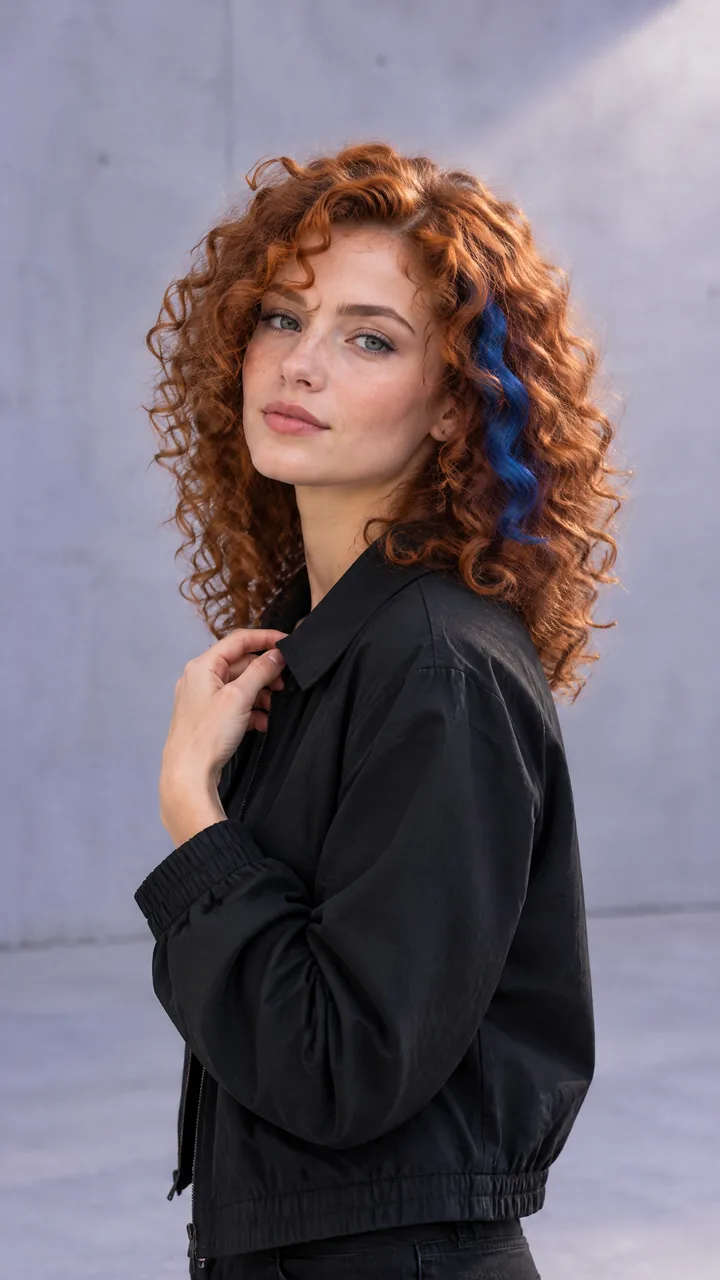
Make an alternative portrait for a post about a hairstyle idea or a playful visual concept. A vertical composition can give the portrait room within a taller social image. Keeping the original background can help the edit belong to the same visual setting, while a specific hair request gives the post a clear idea to show. Use the image to illustrate an imagined look or creative experiment, with styling that fits the subject of the post rather than adding unrelated changes.
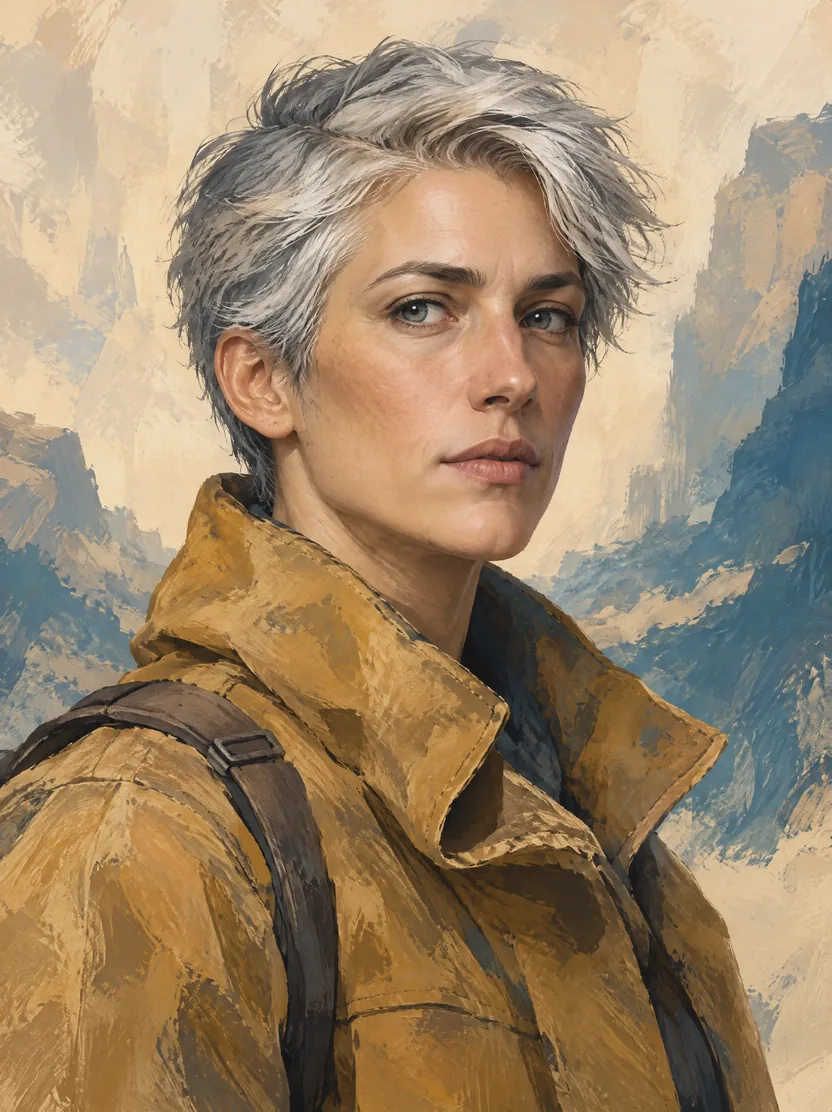
Use a portrait as a starting point for an original character's appearance. Hair and facial-hair requests can help visualize a character concept for a story or creative project. A cropped hairstyle and trimmed beard might suit one idea, while longer waves could take the same reference in another direction. Requests to retain the clothing or pose can keep the character in a setting you have already chosen. The generated image gives the concept a visual form to develop further.
Choose a one-time credit package. Purchased credits never expire.
Questions before you start
Get answers about suitable photos, editing requests, generated results and credit packages.
Yes. You can choose either appearance for the portrait you upload. Pick the look you want to explore; the choice does not determine the person's gender identity. The appearance choice sets the overall editing goal, and optional text lets you describe styling within that goal. Masculine and feminine are ways to frame a creative image request, not fixed rules about which hair, clothing or facial features a person should have.
No. This tool changes the appearance of the person in your portrait. It does not use a second person's face to replace theirs, so choose a face replacement tool if that is the result you need.
Use a clear, well-lit portrait with the face unobstructed. Avoid photos where heavy blur, deep shadows or objects hide facial details. A photo that already shows the person clearly is a more useful starting point than one that needs those details reconstructed. Consider the setting too: if the outfit, pose or background matters to your idea, choose a photo that includes those elements clearly. That gives your request a visible reference for both the person and the details you want retained.
Name the look you want in plain language, such as “short wavy hair and a neatly trimmed beard.” Keep the request focused and avoid conflicting descriptions, such as asking for both a full beard and a clean-shaven face. You can name hair length, texture and a facial-hair style in the same request when they describe one look. Plain, specific wording is enough; you do not need technical image-editing terms or a long list of instructions.
Yes. Include a request such as “keep the blue shirt, seated pose and plain background.” Those instructions guide the edit, but generated results may still alter details you wanted to retain. If a particular detail matters, check it before using the image. Naming the item is clearer than saying “keep everything the same,” especially when the appearance itself should change. Separate the details to retain from your styling instructions so the request makes both parts of the edit clear.
Treat it as a creative interpretation, not a prediction of a real-life change. The generated portrait may alter facial details as well as styling, so it cannot tell you how your appearance would actually develop.
Choose 1:1 for a square avatar, 9:16 for a vertical post or 16:9 for a wide image. Think about how much space you want around the person: a wider shape gives the composition a different frame from a tall portrait. If your subject fills a tall source photo, think about whether a wide composition fits the setting you want to show.
AI Gender Swap uses paid credit packages purchased with a one-time payment. Your purchased credits never expire. The per-image credit charge and any free allowance have not been determined.
Start with your portrait
Upload your portrait to start exploring a new look.